
Numi for Raycast
This is a Raycast extension with commands to query anything on the Numi app. Install it from the Raycast Store, complete the setup below, then open Raycast Search and use the commands.
Setup
brew install nikolaeu/numi/numi-cli
That is the only step. Use numi-cli is on by default, and the binary is found automatically from Homebrew (Apple Silicon and Intel) or your PATH — Numi CLI bin path only needs a value if you installed it somewhere unusual.
This is the backend Numi itself maintains: its own Alfred extension requires the terminal version to work.
The Numi app API is deprecated
Older Numi builds served an HTTP API on localhost:15055, switched on with Enable Alfred Integration in Numi's preferences. That is what this extension originally used, and unchecking Use numi-cli still selects it.
It does not work on Numi 3.34. With the setting enabled, on a freshly launched app, Numi opens no listening socket at all — not on port 15055, not anywhere. The app is not sandboxed and the firewall was off, so nothing external was blocking it.
Numi has published no deprecation notice; mac-3.34 is described only as "Minor tweaks and fixes". So it is unclear whether the API was removed deliberately or regressed. The backend is kept in the extension for anyone still running an older build where it works, but it is no longer the default and should not be relied on.
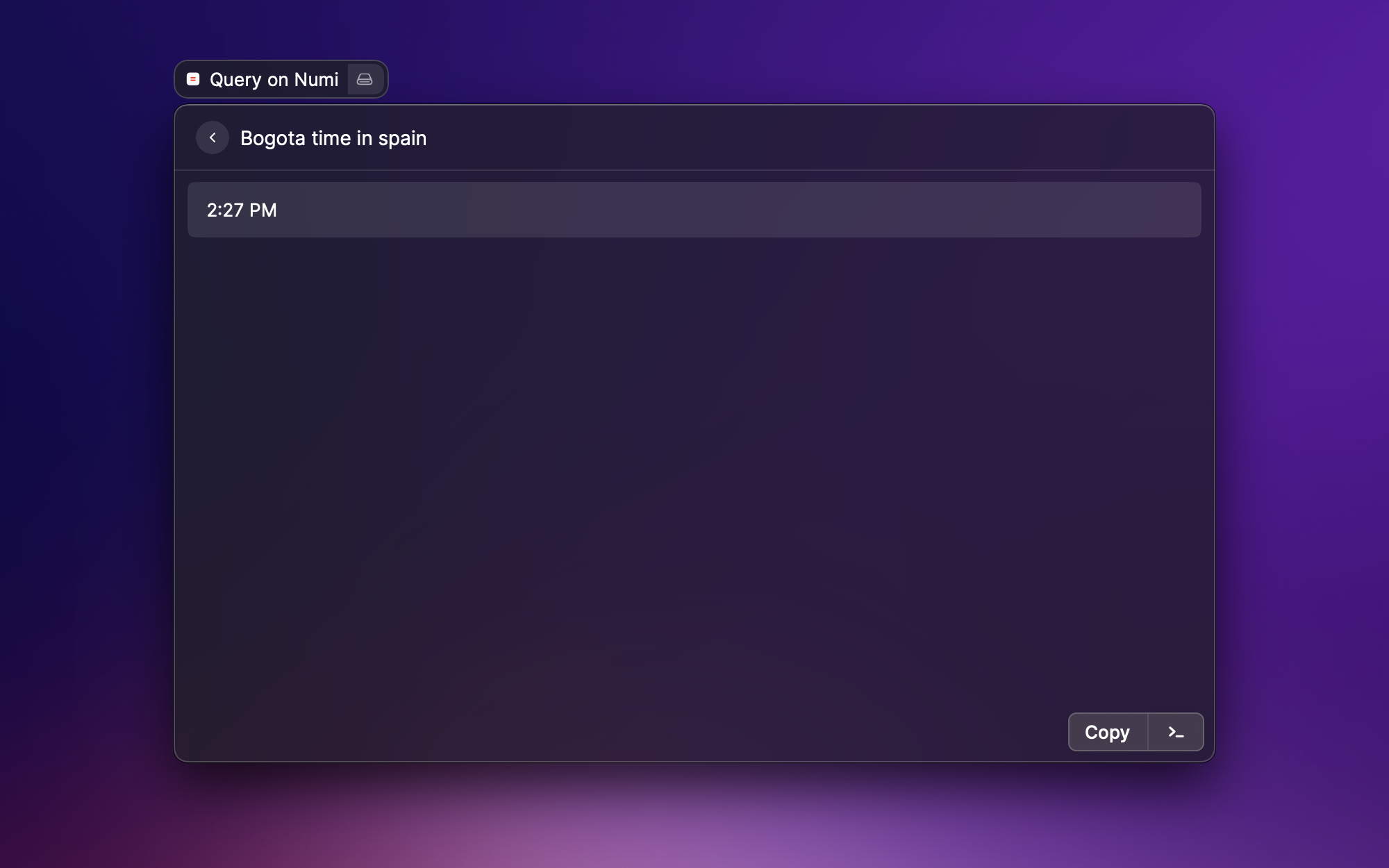
Query on Numi
This command allows for quick search on Numi
enterwill copy the result to the clipboard
History
Recent queries are saved and listed under History. On any entry you can:
enterto put the query back in the search bar and run it againcmd + deleteto remove that entrycmd + shift + deleteto clear the whole history
Use the Maximum number of history elements preference to control how many queries are kept (default 10).
Use as a Fallback Command
You can run Numi straight from Raycast's root search when nothing else matches:
- Open Raycast Settings and go to
Extensions - Find
Query Numiand add it underFallback Commands
Whatever you typed in the root search is then passed to Numi as the query.
Use with AI
The extension exposes a Calculate with Numi tool, so you can ask Raycast AI things like @numi convert 340 GBP to USD or @numi what is 15% of 240? and it will use Numi to work them out.
